> ## Documentation Index
> Fetch the complete documentation index at: https://docs.trykura.com/llms.txt
> Use this file to discover all available pages before exploring further.
# Conditionals
> Add decision logic to your workflow with Conditional blocks
# Conditional Block
Conditional blocks allow your workflow to make decisions by executing specific actions only when certain conditions are met.
## How It Works
A Conditional block evaluates a statement that results in either True or False. If the condition is True, the workflow blocks inside the conditional will execute.
## Writing Conditions
You can write conditions in natural language or use basic values:
### Basic Values
* `True` or `1`: Always evaluates to True
* `False` or `0`: Always evaluates to False
### Natural Language Examples
Conditions have access to the context of the current webpage and can reference information from it:
* "Are there more than 5 search results?"
* "Is the user's email verified?"
* "Is there a captcha on the page?"
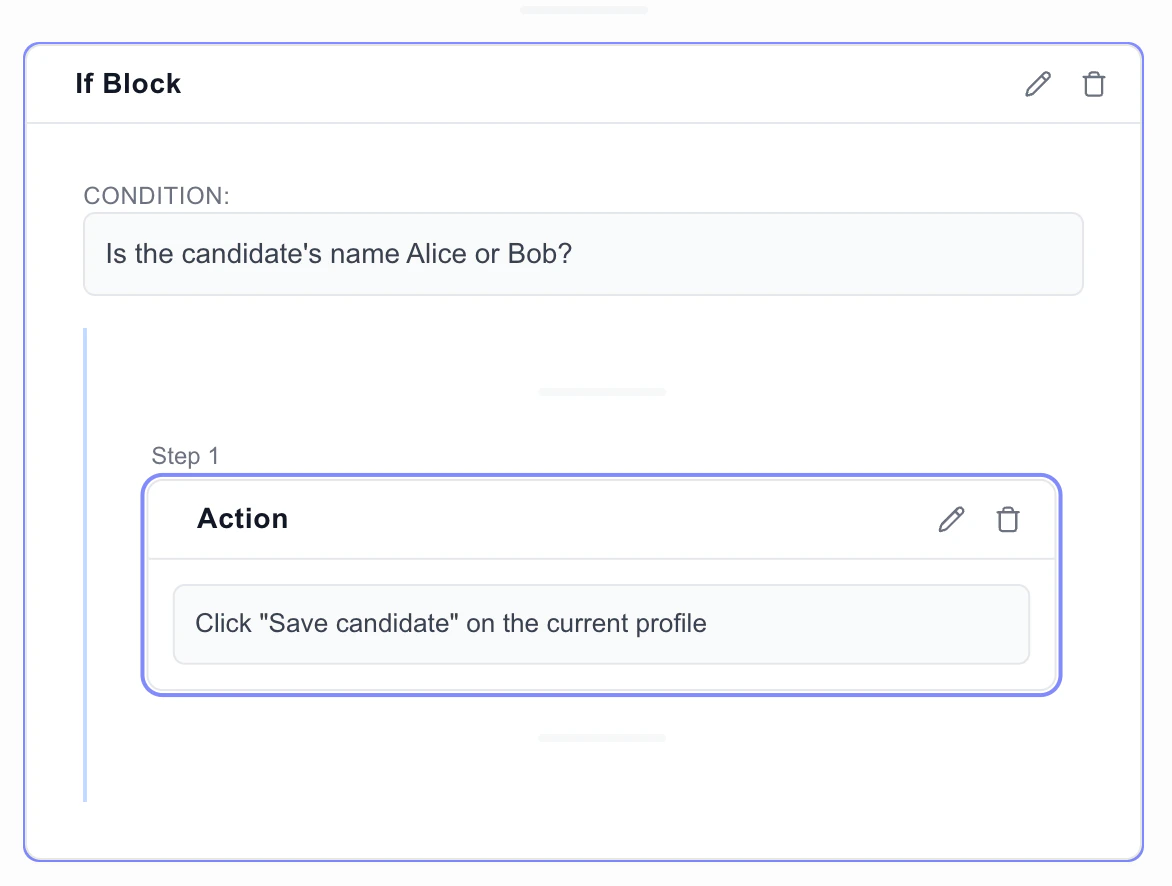
## Example Use Case
Let's say you're building a recruiting agent that only sends messages to candidates with the name of "Alice" or "Bob: